NTFS Kit
NTFS volumes on macOS, handled with care.
Mount NTFS read-only with Apple's native driver, or add macFUSE and NTFS-3G for verified read-write, repair and format.
Free. No account, no subscription, no webview.
Free for personal and professional use.
What NTFS Kit does
Six workspaces, one safety boundary: read state from diskutil, never fabricate success.
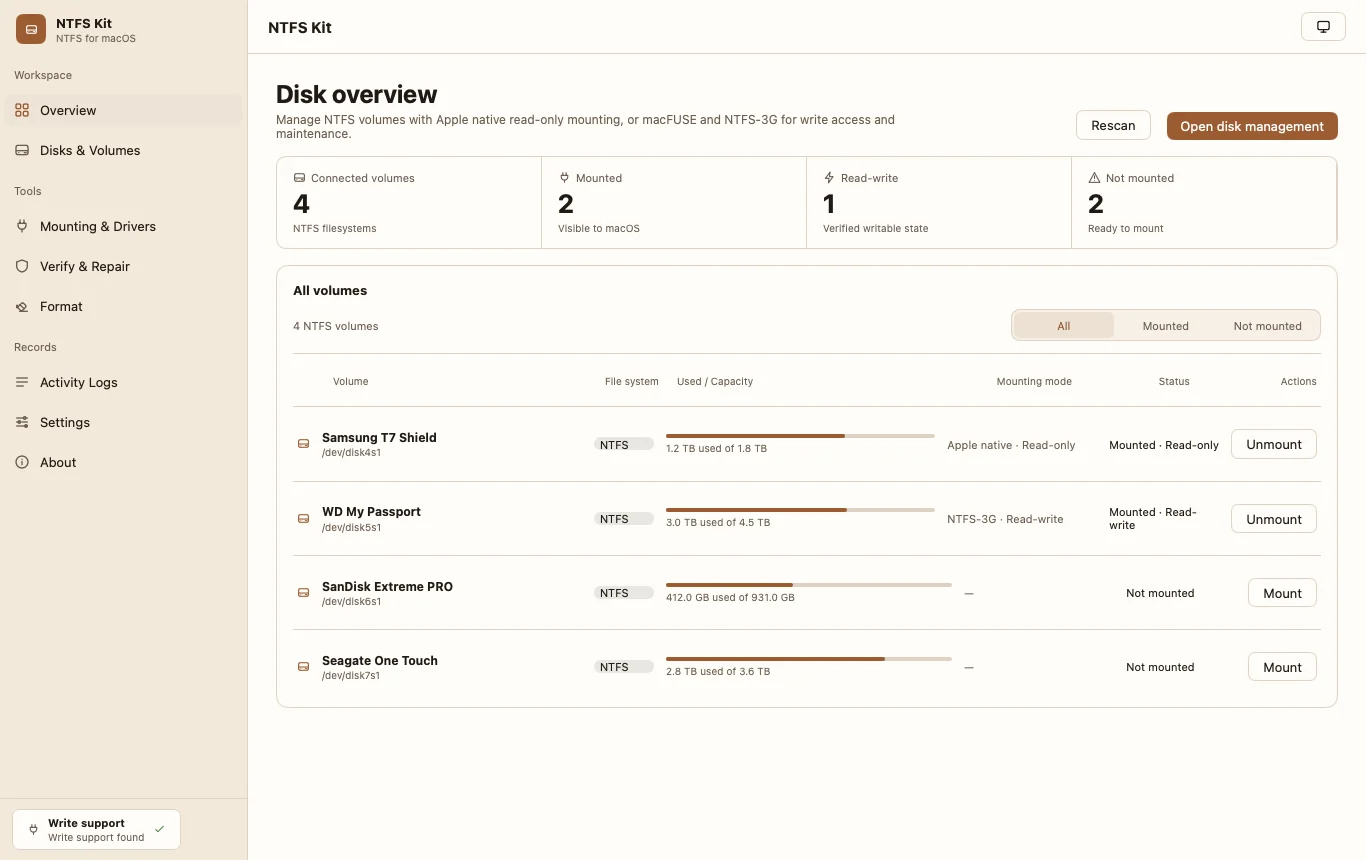
Disk overview
Connected, mounted, writable and ready-to-mount counts, capacity meters and verified state for every NTFS volume.
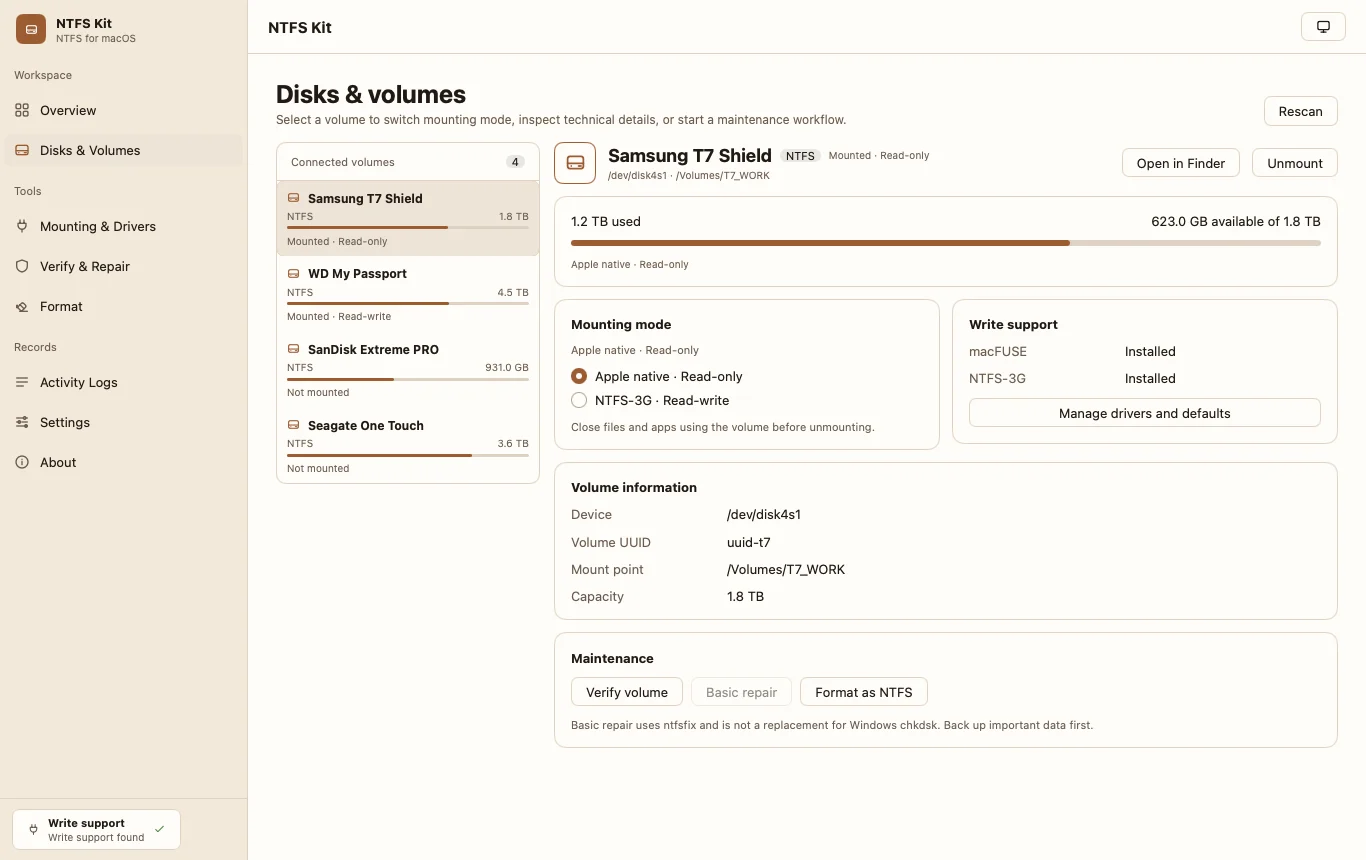
Disks & volumes
Pick a volume, switch mount mode, and read device, UUID and mount point before touching the disk.
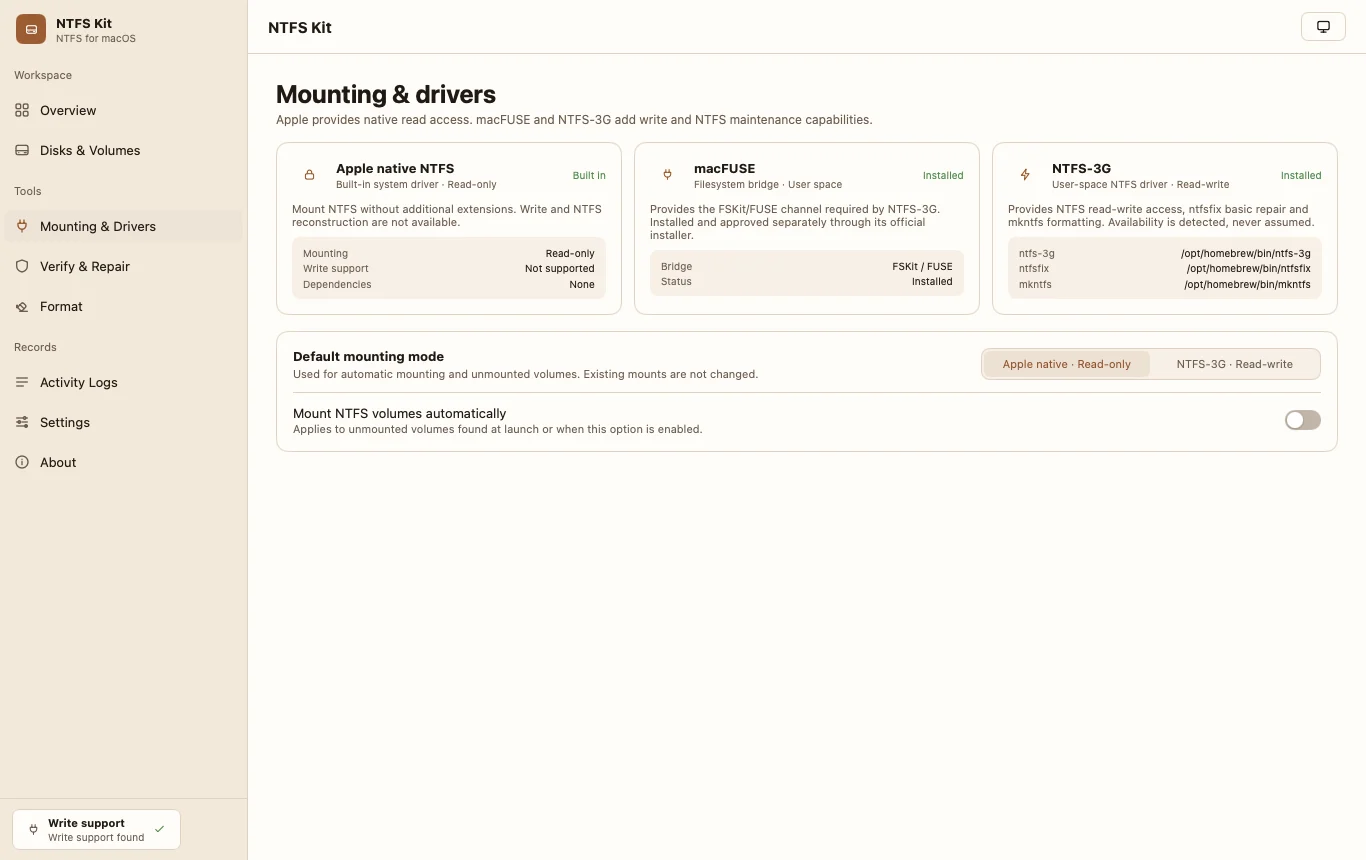
Mounting & drivers
Apple native read-only, macFUSE and NTFS-3G capability detection, official install sources and explicit failure reporting.
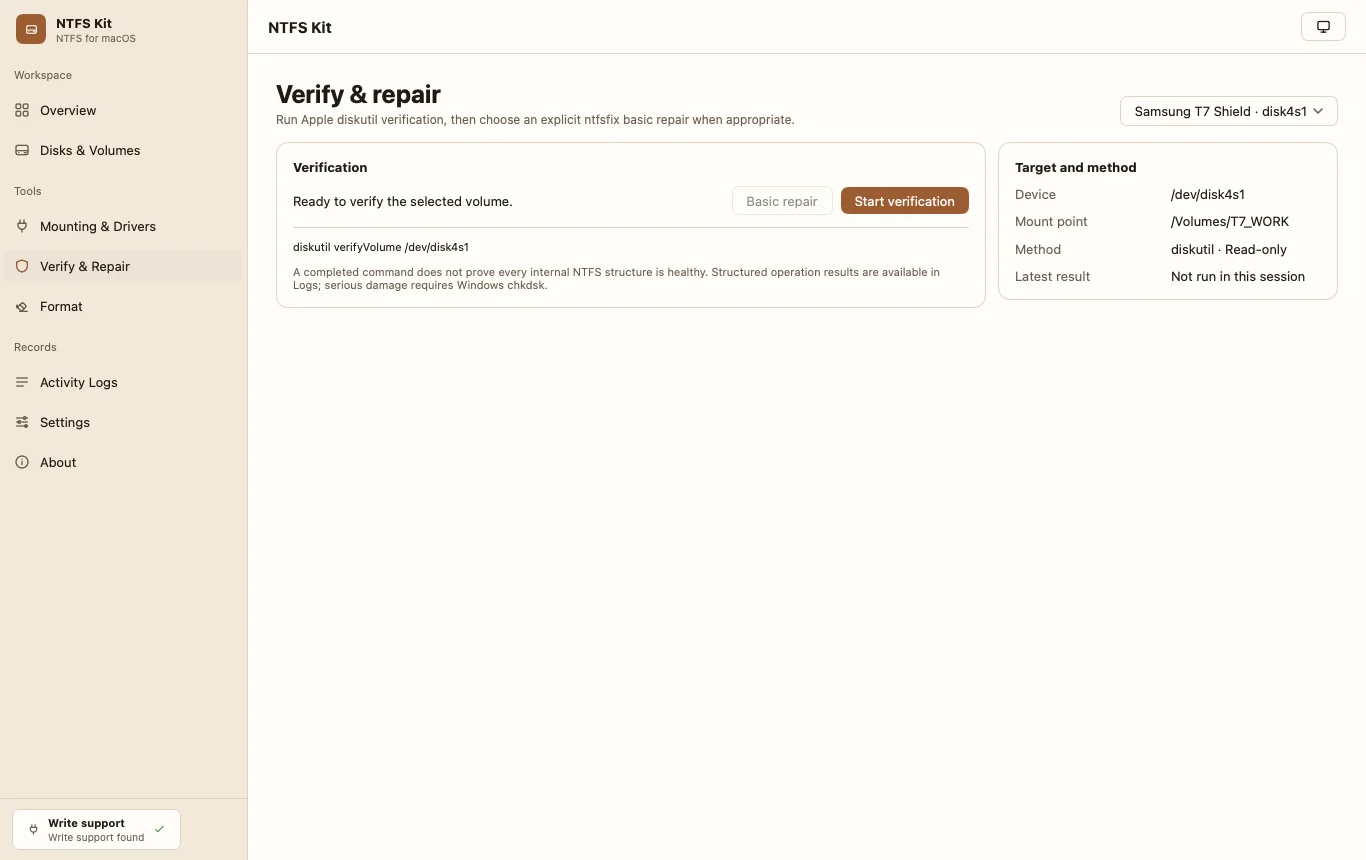
Verify & repair
Real diskutil verification and an explicit ntfsfix basic repair on an unmounted volume. No invented percentages or health findings.
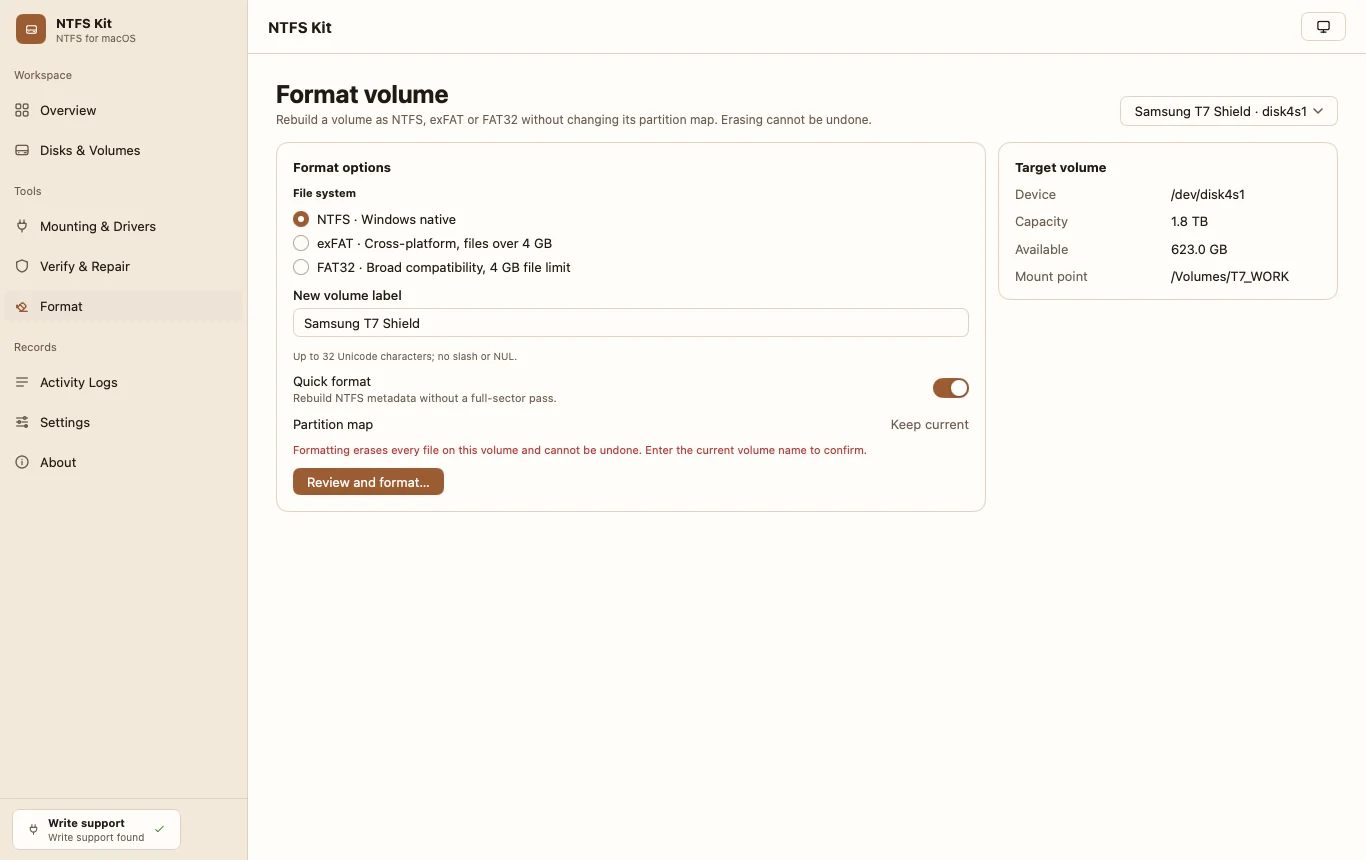
Format
NTFS via mkntfs, exFAT and FAT32 via diskutil. Exact current-name confirmation, final confirmation and a post-unmount identity recheck.
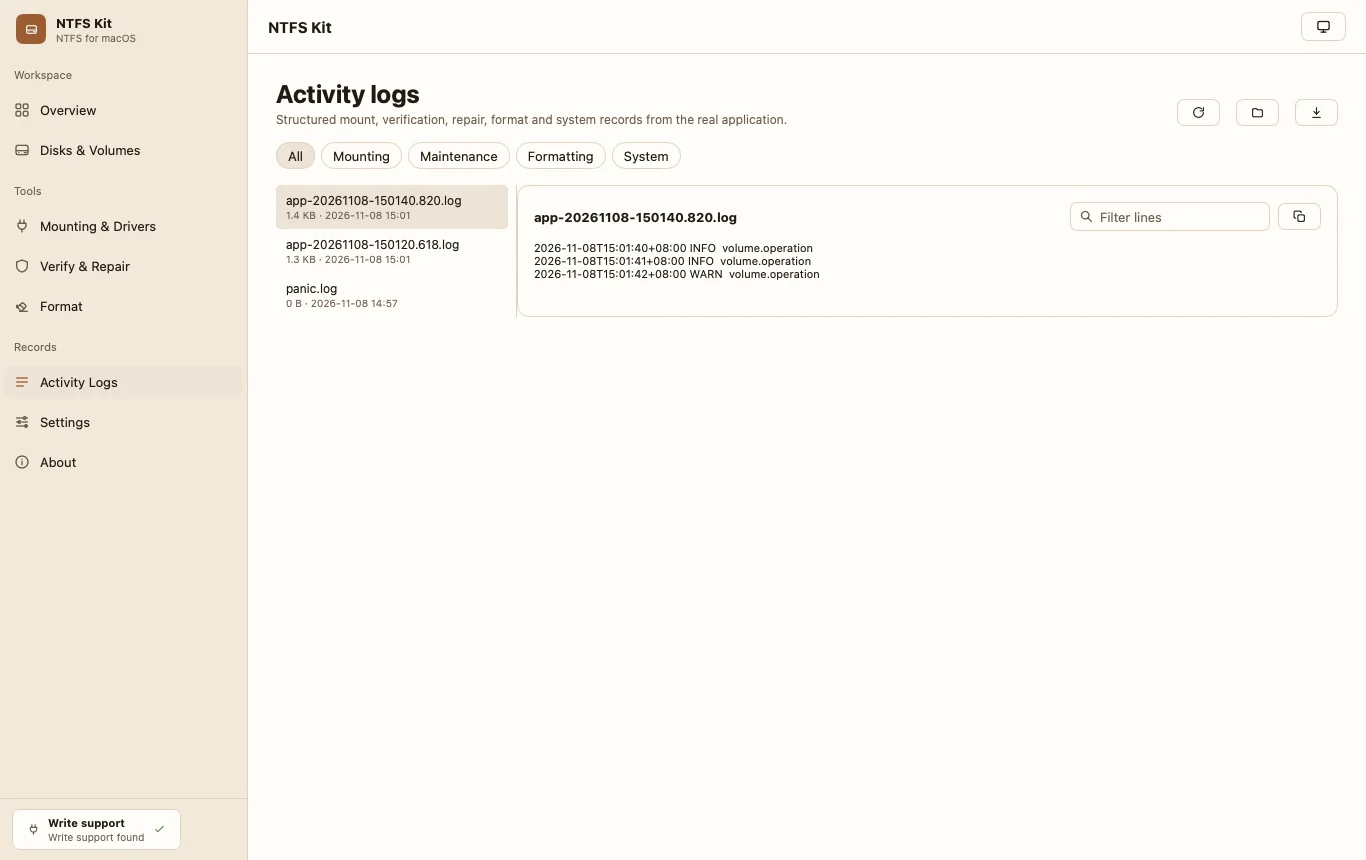
Activity logs
Mount, maintenance, format and system records with filters, copy and diagnostics export. File names and contents are never logged.
Download and build status
There is no signed public installer yet. Build the native app locally, or read the signing and notarization requirements before distributing a build.
Checksums, signatures and Gatekeeper
Questions before trusting a disk utility
The boundaries that matter: drivers, confirmation, and what is never logged.